
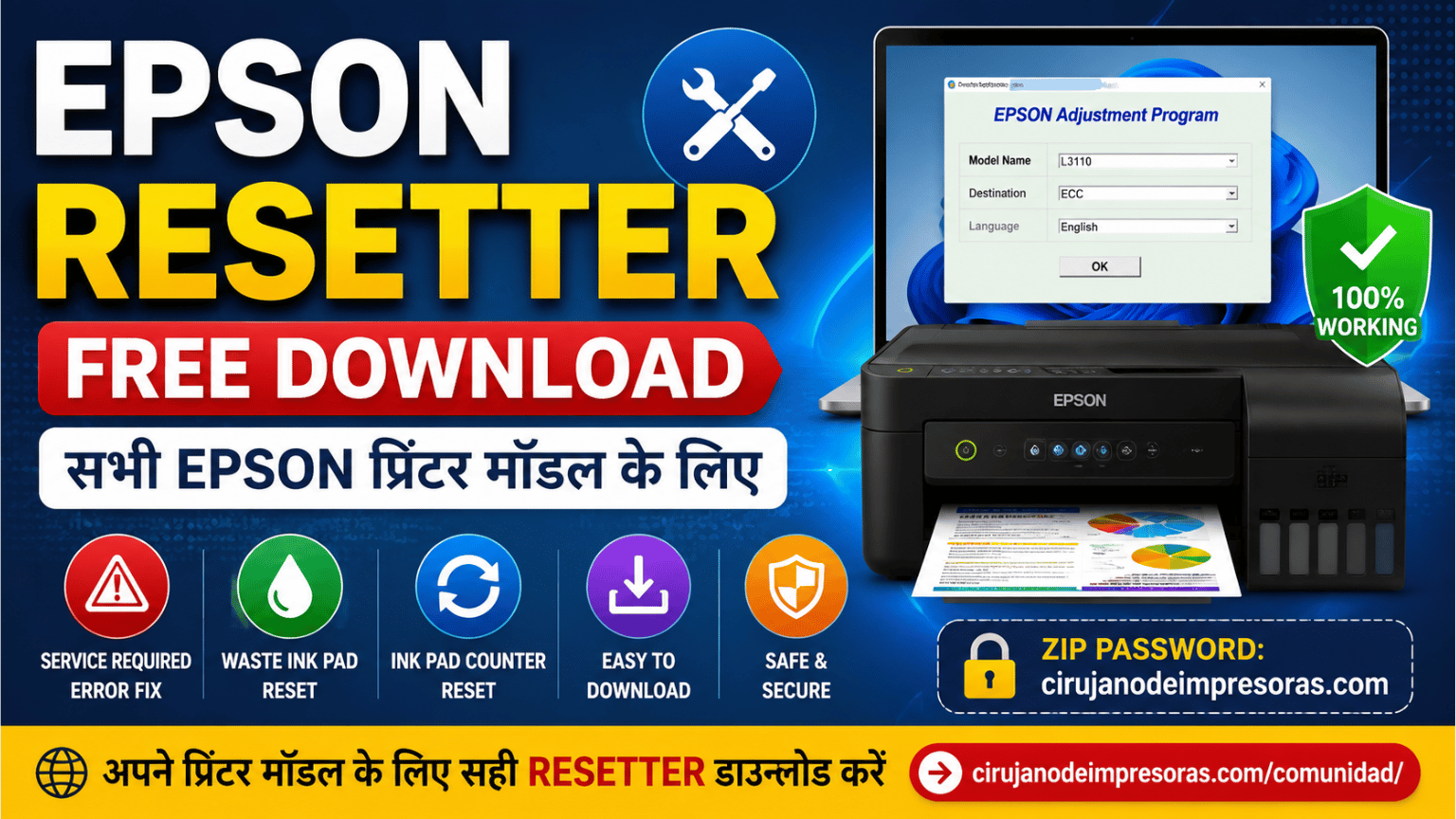
Epson Resetter एक ऐसा टूल है जिसका उपयोग विभिन्न Epson प्रिंटर मॉडल में आने वाली maintenance errors को ठीक करने के लिए किया जाता है, खासकर जब प्रिंटर पर “Service Required”, “Ink Pad is at the end of its service life” या Waste Ink Pad Counter से संबंधित संदेश दिखाई देता है।
इस पेज पर आपको हमारी Epson Resetter Free Download और Adjustment Program की collection मिलेगी, जिसे अलग-अलग models के अनुसार व्यवस्थित किया गया है, ताकि आप अपने Epson प्रिंटर के लिए compatible software आसानी से ढूंढ सकें।
🔎 नीचे दी गई सूची में अपना Epson मॉडल खोजें, संबंधित पोस्ट खोलें और program का उपयोग करने से पहले compatibility, functions और instructions की जानकारी ध्यान से पढ़ें।
यहाँ आपको Epson L Series, EcoTank ET Series, XP Series, WF Series, M Series, PM Series और कई अन्य Epson models के लिए tools मिलेंगे।
⚠️ महत्वपूर्ण: सभी Epson models एक ही maintenance system का उपयोग नहीं करते। कुछ printers में software की मदद से Waste Ink Counter reset किया जा सकता है, जबकि अन्य models में chip वाली Maintenance Box होती है, जिसे Adjustment Program से reset नहीं किया जा सकता।
Epson Resetter शब्द का उपयोग आमतौर पर Adjustment Program के लिए किया जाता है। यह एक service tool है, जिसकी मदद से compatible Epson printers के विभिन्न maintenance और adjustment functions को access किया जा सकता है।
Printer model के आधार पर program में निम्नलिखित functions उपलब्ध हो सकते हैं:
✔️ Waste Ink Pad Counter reset करना।
✔️ Ink pad counter को reset करना।
✔️ Maintenance और service functions।
✔️ Print head से संबंधित adjustments।
✔️ Technical configurations और checks।
✔️ Model के अनुसार उपलब्ध अन्य functions।
प्रत्येक option की उपलब्धता printer model और Adjustment Program के version पर निर्भर करती है।
Epson printers में operation और maintenance से संबंधित अलग-अलग internal counters होते हैं।
कई models में जब Waste Ink Pads से संबंधित counter निर्धारित limit तक पहुँच जाता है, तो printer काम करना बंद कर सकता है और निम्नलिखित messages दिखा सकता है:
⚠️ Service Required
⚠️ Service is required
⚠️ Ink pads are at the end of their service life
⚠️ A printer's ink pad is at the end of its service life
यदि printer model internal ink pads का उपयोग करता है और Adjustment Program उसके साथ compatible है, तो आवश्यक physical maintenance करने के बाद counter को reset करना संभव हो सकता है।
यह समझना महत्वपूर्ण है कि counter reset करने से ink pads में जमा हुई स्याही physically साफ नहीं होती।
यदि ink pads पूरी तरह saturated हैं, तो संभावित ink leakage से बचने के लिए उनका उचित physical maintenance भी करना आवश्यक है।
जिन models में chip वाली Maintenance Box होती है, उनमें प्रक्रिया अलग हो सकती है और software से उस component को reset करना जरूरी नहीं कि संभव हो।
अपने printer model का चयन करके संबंधित पेज पर जाएँ।
🔹 Epson L382, L386 और L486
🔹 Epson L455
🔹 Epson L375
🔹 Epson L575
🔹 Epson L120
🔹 Epson L606
🔹 Epson L6260, L6270 और L6290
🔹 Epson L3550, L3556 और L5590
🔹 Epson L3050 और L3070
🔹 Epson L14150 और L14158
🔹 Epson L5190
🔹 Epson L4150 और L4160
🔹 Epson L1110
🔹 Epson L3160
🔹 Epson L380
🔹 Epson L130, L220, L310, L360 और L365
🔹 Epson L565
🔹 Epson L6161, L6171, L6190 और L6091
🔹 Epson L3110
🔹 Epson L1211, L1216, L1250, L1251, L1256, L3211, L3216, L3251, L3256 और L5296
🔹 Epson L605 Free Download
🔹 Epson L110, L210, L350 और L355 Free Download
🔹 Epson L1210, L3210, L3250, L3251, L3260 और L5290
🔹 Epson L396 Free Download
🔹 Epson L4250, L4260, L4261 और L4267
🔹 Epson L4260
🔹 Epson L3150
🔹 Epson L3250
🔹 Epson L210
🔹 Epson L405 Resetter + Free Software
🔹 Epson L4360, L4366 और L4367 Ink Pad Reset
🔹 Epson ET-2600 और ET-2650 Free Download
🔹 Epson ET-1810, ET-2800, ET-2810, ET-2820 और ET-4800
🔹 Epson ET-1810 Resetter Free Download
🔹 Epson ET-2803 Ink Pad Reset
🔹 Epson ET-2820 Error E11 – Solution
🔹 Epson ET-2720
🔹 Epson ET-2856
🔹 Epson ET-2851
🔹 Epson ET-2850
🔹 Epson ET-2500 और ET-2550
🔹 Epson XP-243, XP-245 और XP-247
🔹 Epson XP-412
🔹 Epson XP-2101 और XP-2105
🔹 Epson XP-335
🔹 Epson WF-7610 और WF-7620
🔹 Epson WF-2630 Free Download
🔹 Adjustment Program Epson WF-3720
🔹 Epson M1100 और M1120
🔹 Epson M1140, M1170, M1180, M2140 और M2170
🔹 Adjustment Program Epson M200, M201 और M205
हमारे पास उन users के लिए भी specific content उपलब्ध है जो printer model, error या region के अनुसार solution खोज रहे हैं:
🔹 Epson L1250 Service Required Free Download
🔹 How to Reset Printer Epson L120
किसी भी program को download करने से पहले अपने printer का exact model verify करें।
उदाहरण के लिए, यदि आपके पास Epson L3250 है, तो L3250 के लिए उपलब्ध पोस्ट या ऐसे tool का उपयोग करें जिसमें स्पष्ट रूप से बताया गया हो कि वह model supported है।
सिर्फ इसलिए किसी दूसरे model का Adjustment Program उपयोग न करें क्योंकि दोनों printers दिखने में समान हैं।
✔️ Printer का exact model।
✔️ पोस्ट में बताए गए compatible models।
✔️ Printer में दिखाई देने वाला error।
✔️ Printer internal ink pads या Maintenance Box में से किसका उपयोग करता है।
✔️ Program के specific instructions।
Software चलाने से पहले:
🔹 अपने printer model के लिए सही program download करें।
🔹 Program चलाने से पहले compressed file को पूरी तरह extract करें।
🔹 Compressed files के लिए WinRAR या 7-Zip का उपयोग करें।
🔹 Program को Run as Administrator के रूप में चलाएँ।
🔹 जब procedure में आवश्यक हो, printer को सीधे USB के माध्यम से computer से connect करें।
🔹 शुरू करने से पहले printer से संबंधित अन्य programs बंद कर दें।
🔹 प्रत्येक model के लिए प्रकाशित specific instructions का पालन करें।
📌 कुछ files में मौजूद tool के प्रकार के कारण security alerts दिखाई दे सकते हैं। किसी भी file को execute करने से पहले उसकी जाँच करें और सुनिश्चित करें कि वह विश्वसनीय source से प्राप्त हुई है।
नहीं। Adjustment Program के अलग-अलग versions होते हैं और प्रत्येक version केवल कुछ निश्चित printer models के साथ compatible हो सकता है।
इसलिए हमेशा अपने printer के लिए बताए गए सही tool का ही उपयोग करें।
Compatible models में Adjustment Program की मदद से Waste Ink Counter को reset करना संभव हो सकता है।
हालाँकि, इसका मतलब यह नहीं है कि सभी maintenance errors को software से reset किया जा सकता है।
कुछ modern Epson models में chip वाली replaceable Maintenance Box का उपयोग किया जाता है।
ऐसे printers में Adjustment Program अन्य technical functions प्रदान कर सकता है, लेकिन यह जरूरी नहीं कि Maintenance Box के chip को reset कर सके।
कोई भी procedure करने से पहले हमेशा अपने printer model से संबंधित पोस्ट की जानकारी पढ़ें।
नहीं।
Program केवल maintenance counter को modify या reset करता है। यह ink pads में physically जमा हुई स्याही को नहीं हटाता।
यदि ink pads saturated हैं, तो उनका physical maintenance भी करना आवश्यक है।
यह program के version पर निर्भर करता है। उपयोग करने से पहले specific पोस्ट में दिए गए instructions पढ़ें।
हमारे द्वारा प्रकाशित अधिकांश tools Windows के लिए हैं। Compatibility Adjustment Program के version और printer model के अनुसार अलग-अलग हो सकती है।
Cirujano de Impresoras पर हम अपनी tools collection को लगातार व्यवस्थित और विस्तारित कर रहे हैं, ताकि आप अपने printer model के लिए सही Epson Resetter आसानी से खोज सकें।
हमारा उद्देश्य अलग-अलग generations के Epson printers के लिए technical information, Adjustment Programs और procedures को एक ही section में उपलब्ध कराना है।
🖨️ आपका Epson model सूची में नहीं है?
इस पेज को save करें और नई publications देखते रहें। हम अपनी Epson Adjustment Program collection में और models जोड़ते रहेंगे और उपलब्ध जानकारी को update करते रहेंगे।
🔧 Cirujano de Impresoras – Printer technicians और users के लिए information, software और solutions.
यदि आप printer repair और technical service से संबंधित अधिक information, tools और resources खोज रहे हैं, तो आप हमारी specialized website TechFix LATAM भी देख सकते हैं।
👉 अधिक technical resources के लिए TechFix LATAM पर जाएँ।
 Add Contact: 956598992
Amount to PayS/ 0.00
Add Contact: 956598992
Amount to PayS/ 0.00
Este método no permite pagos superiores a 500 por día.
Debes escanear el código QR, hacer clic en continuar para adjuntar la captura de pantalla (es el único comprobante de pago) y podrás completar la compra.